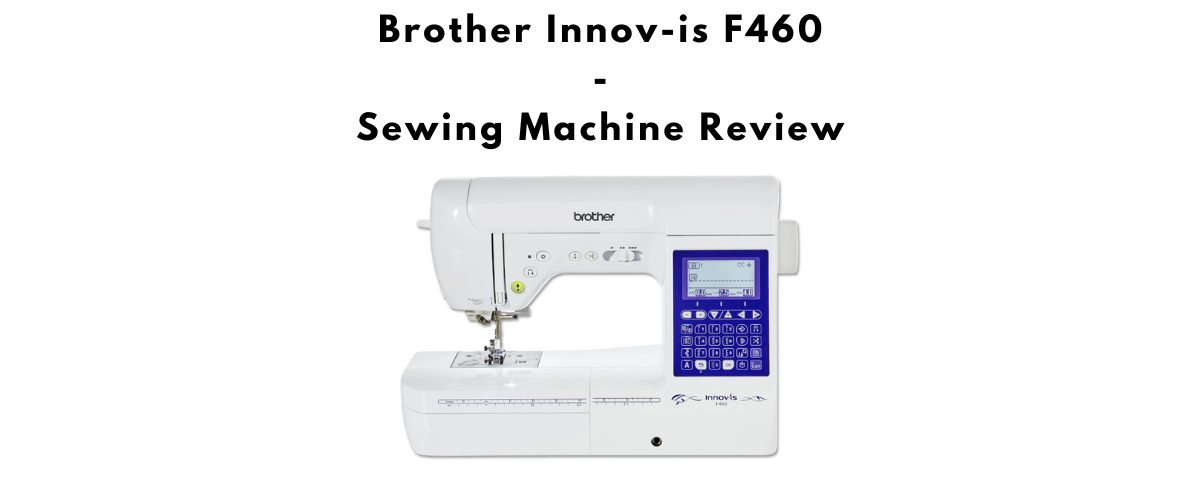
The Brother Innov-is F460 is a computerized sewing machine built around a balance of user-friendly controls and precise feeding. It suits a wide range of sewists, from beginners who want something approachable to experienced makers who want versatility and control. With a large stitch menu, Square Feed Drive System (SFDS) performance, and thoughtful convenience features, the F460 handles everyday sewing and more detailed decorative work with ease.

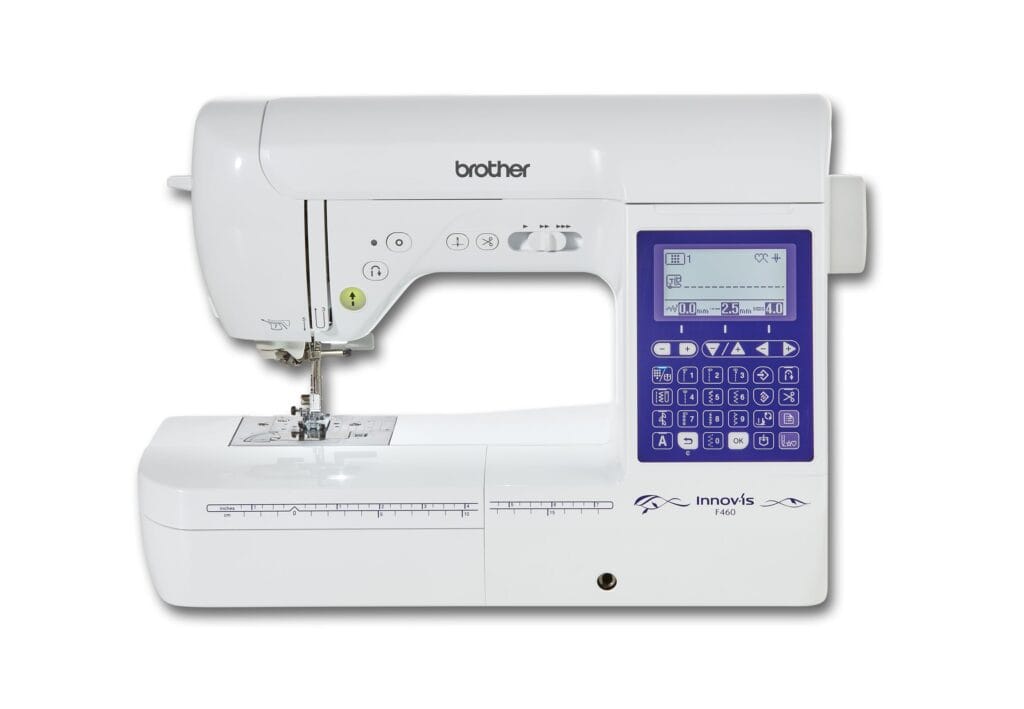
In the Innov-is F-Series, the F460 sits above the F420 with more stitches, automatic thread tension, multi-directional sewing, and a few extra creative tools. US street pricing varies by dealer; check the product box below for current dollar prices. A side-by-side breakdown is in our F420 vs F460 comparison.
Key Features of the Innov-is F460
The F460 stands out for its intuitive layout and solid performance. From power-on, the interface is straightforward. Build quality is sturdy without feeling overly bulky, so it works for regular home use or a small studio.
A clear backlit LCD (about 3.5 in class) makes selecting and adjusting stitches simple. Brother lists about 182 built-in stitches for the F460 (including decorative and utility options), with 10 one-step buttonhole styles and five sewing lettering fonts for labels and light monogramming. Maximum stitch width is typically 7 mm (about 1/4 in) and maximum stitch length 5 mm (about 3/16 in).
Threading is quick: the advanced needle threader works reliably, and the automatic thread cutter keeps the workflow moving. SFDS moves fabric evenly and reduces puckering or shifting, which helps on slippery or layered fabrics. You can adjust presser foot pressure electronically, rely on automatic thread tension on this model, and set sewing speed with the slide control (up to about 850 stitches per minute). Lockstitch and reinforcement stitching secure seams without awkward manual backtracking.
Creative tools include mirror imaging, stitch combination, and My Custom Stitch. Multi-directional sewing helps with patches and decorative work without constantly turning the fabric. A knee lift raises the presser foot hands-free, and a USB port supports pattern transfer or updates on supported setups.
Quick List of Key Features
- About 182 built-in stitches
- 10 one-step buttonholes
- 5 sewing lettering fonts
- About 3.5 in LCD screen
- Advanced needle threading system
- Automatic thread cutter
- SFDS (Square Feed Drive System)
- Electronic presser foot pressure adjustment
- Automatic thread tension
- Lockstitch, mirror imaging, My Custom Stitch, and multi-directional sewing
- Knee lift
- USB port for pattern transfer
Optional Accessories
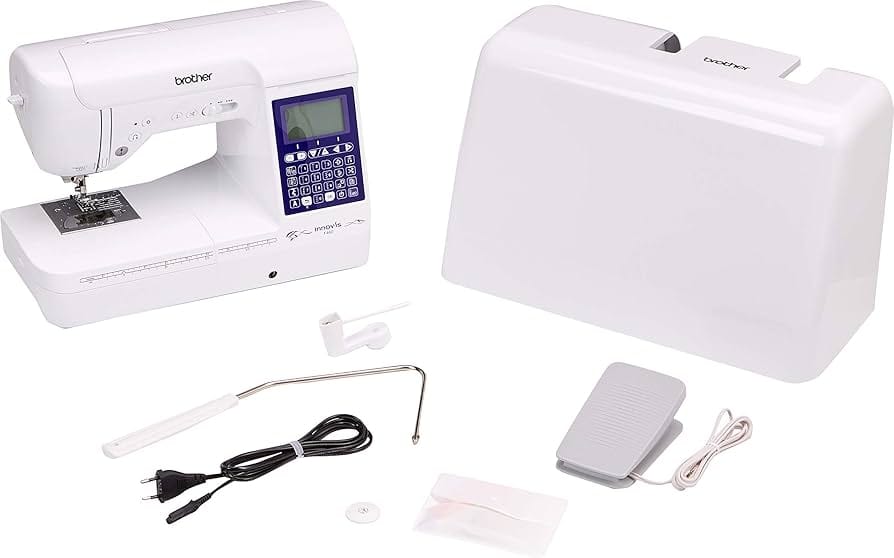
The machine is well equipped out of the box. Brother also offers add-ons that expand what you can do:
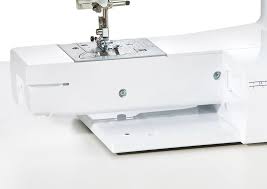
- Free-motion foot: for free-motion quilting or decorative work
- Multi-function foot controller: assign tasks across pedals for advanced workflows
- Mechanical dual feed (walking foot): helps thick layers or tricky knits and slippery fabrics feed evenly
None of these are required to start sewing, but they add flexibility for ambitious or specialty projects. A free arm supports sleeves, cuffs, and other tubular pieces.
Setup and Ease of Use
Brother provides detailed guides to help you get the most from the F460:
- Instruction Manual (PDF) for setup, maintenance, and troubleshooting
- Quick Reference Guide (PDF) for common functions and stitch settings
- Accessories Catalog (PDF) for compatible add-ons
Expect a short familiarization period with the LCD menus, My Custom Stitch, and multi-directional options. After that, day-to-day sewing is approachable. Warranty terms depend on your US seller and registration rules, so confirm coverage at purchase.
Sewing Performance
Stitch quality is consistent across garments, home decor, quilting blocks, and decorative detail work. SFDS and electronic foot pressure help layered and tricky fabrics behave. Automatic tension removes one common adjustment headache compared with the F420. Multi-directional sewing and lettering support creative finishing without a separate embroidery machine.
It is still a domestic sewing machine, not a long-arm or hoop embroidery unit. Very thick upholstery stacks remain outside its best range. Within normal home sewing, it feels capable and dependable.
Strengths and Limitations
Strengths: Large stitch and lettering selection, SFDS feeding, automatic thread tension and cutter, advanced needle threader, electronic foot pressure, knee lift, multi-directional sewing, My Custom Stitch, USB support, and an interface that stays usable as skills grow.
Limitations: Costs more than the F420; free-motion foot, dual feed, and multi-function controller are often optional; no embroidery hoop; learning the deeper creative menus takes a little time.
Who the F460 Suits Best
Choose the F460 if you want more stitch variety, automatic tension, and creative tools than the F420, and you sew garments, home decor, quilting, or decorative details on one main machine. It also suits beginners who want room to grow without buying again in a year or two.
Stay with the F420 if budget is tighter and you do not need multi-directional sewing or auto tension. Look at embroidery or higher F/V models if hoop embroidery is the priority.
Final Verdict
The Brother Innov-is F460 delivers a strong mix of ease of use and advanced features. It offers enough stitch variety and control for experienced sewists, while still being approachable for beginners who want room to grow. Stitch quality is consistent, the interface is intuitive, and the feature set supports both practical and creative sewing.
Whether you are working on garments, home decor, quilting, or decorative details, the F460 is capable, dependable, and thoughtfully designed to keep up with a wide range of projects.
Manuals, warranty, and registration
Manuals: Search your exact model on Brother Support or Brother USA Support for the Operation Manual and Quick Reference Guide (or Sewing Guide).
US: US limited warranty periods vary by model (often a long chassis period with shorter coverage for electronics and labor). Register at Brother USA product registration. Keep your dated receipt.
UK / EU: See the Brother Sewing & Craft warranty page and register at sewingcraft.brother.eu product registration. UK Brother Online: atyourside.brother.co.uk/register-your-device.
Official site: Brother USA.