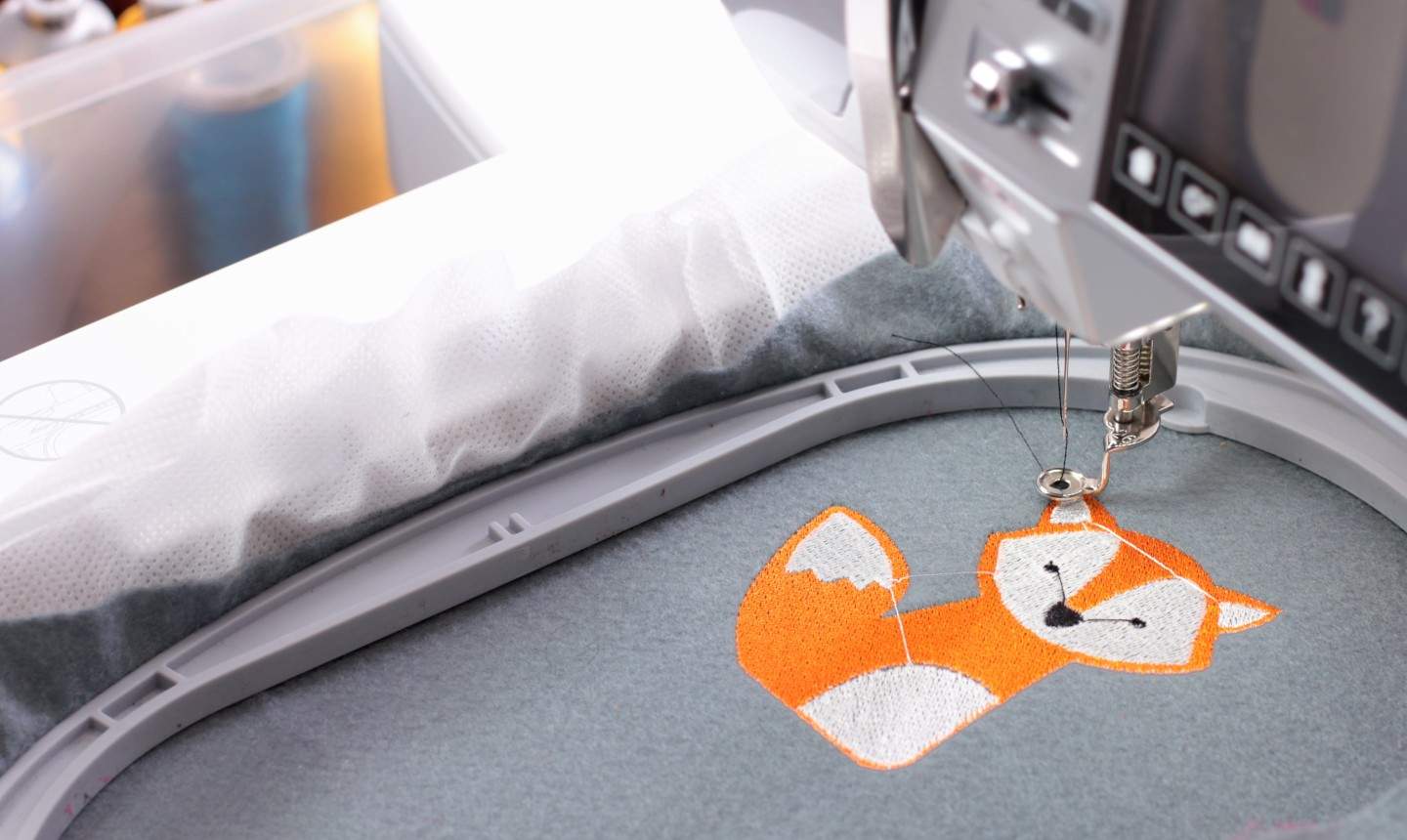
If you have ever admired detailed embroidery and wanted to make your own, a dedicated embroidery machine can get you there faster than handwork alone. These machines stitch pre-programmed designs onto clothing, home décor, and gifts with a clean, consistent finish. They are a real investment, but they also open up everything from simple monograms to multi-color patterns that would take hours by hand.
Choosing a first embroidery machine can feel like a lot. Models differ in hoop size, stitch speed, built-in designs, and how you load new files. This guide walks through what those features mean in real sewing, then covers five solid options across different budgets and skill levels.
Whether you want an affordable home machine, a computerized model with USB design transfer, or a higher-end setup for more ambitious projects, the recommendations below cover a practical range of embroidery-only and combo sewing-and-embroidery machines.
What is an Embroidery Machine?
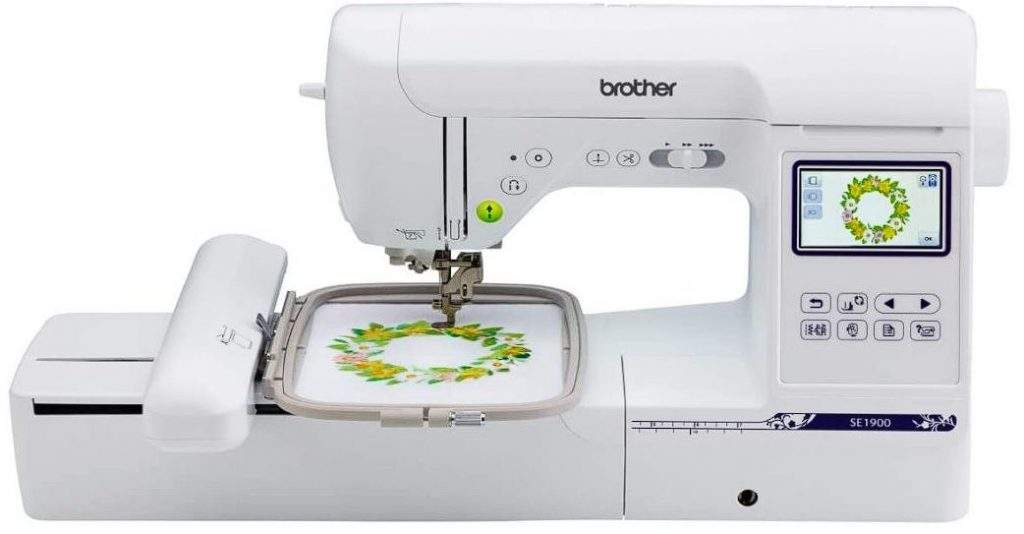
Different Types Of Embroidery Machines
People often use “embroidery machine” for two different setups. Knowing which one you mean saves money and frustration.
- Free-motion embroidery: Many modern sewing machines can do freehand embroidery if you lower the feed dogs, fit a darning or embroidery foot, and hoop the fabric. You guide the fabric by hand. It is creative and flexible, but results depend on your skill and practice. This is not the same as automatic machine embroidery.
- Automatic embroidery machines: These stitch designs from built-in patterns or files you transfer to the machine. Design access usually falls into three groups: built-in designs only, built-in designs plus internet or app downloads, and built-in designs plus USB transfer of compatible embroidery files.
If cost is the main limit and you are new to machine embroidery, a model with a solid set of built-in designs (and no extra software needed) is often the best starting point. You can learn hoop setup, stabilizer choice, and color changes without juggling downloads.
If you already embroider and want more variety, look for USB or software connectivity so you can add designs and, on some machines, edit or customize them. That flexibility costs more, but it keeps you from outgrowing a small design library too quickly.
Things to Consider When Choosing an Embroidery Machine
Match the machine to the projects you actually sew. These are the points that matter most day to day.
Budget
Budget shapes almost every other decision. Entry embroidery machines can cover monograms, logos, and small décor pieces. Larger hoops, multi-needle setups, faster speeds, and advanced editing push the price up quickly. Decide which features you will use weekly, and which you can live without for now. Check current prices in the product boxes below, since embroidery machines move in and out of promotion often.
Hoop Size
Hoop size sets the largest design you can stitch in one placement. A larger hoop means fewer rehoops on big designs, which saves time and reduces alignment mistakes. Smaller hoops are fine for names, patches, and compact motifs, and they keep the machine more affordable. Common embroidery areas run roughly from 4″ x 4″ (10 cm x 10 cm) up to around 10″ x 14″ (25 cm x 35 cm), depending on the model. Larger fields usually cost more.
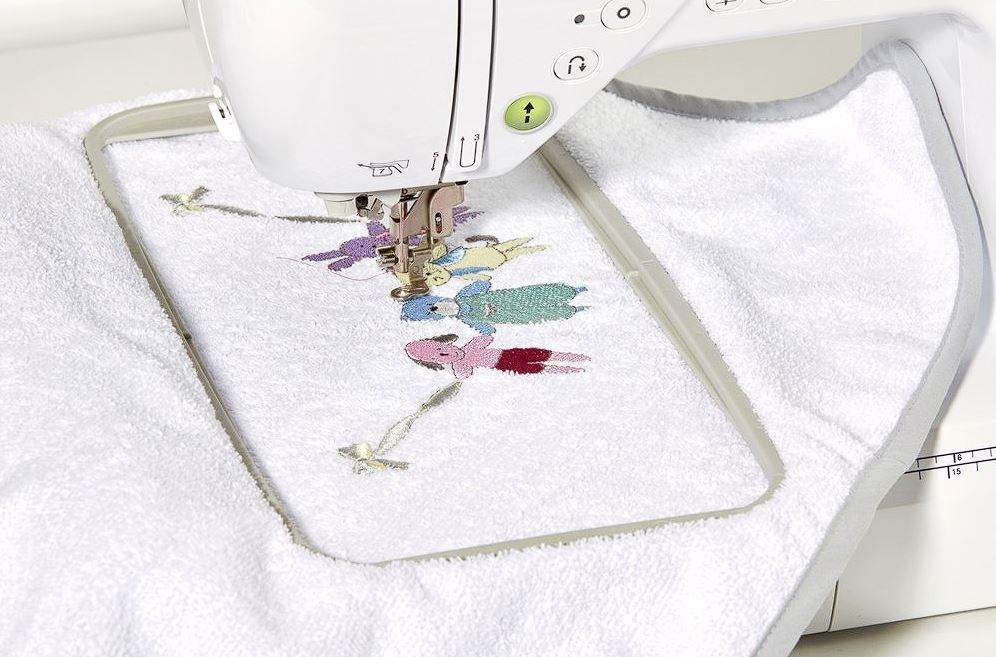
If your budget allows, buy the largest hoop you can justify for the projects you have in mind. Going too small is one of the most common reasons people upgrade sooner than they planned. That said, a reliable mid-size hoop (such as 5″ x 7″) has a huge design library and is enough for many home sewists.
Embroidery Designs
Every embroidery machine ships with built-in designs so you can sew right away. The exact count matters less than whether the styles match what you want to make. Machines with USB or software support can add thousands of designs later, as long as the file formats are compatible.
Some models also let you edit designs on-screen or create your own through digitizing software. Digitizing is a skill of its own, and machines (or software packages) that support it sit at the higher end of the market. Most beginners are better off starting with built-in and downloadable designs, then adding digitizing later if they stick with the craft.
Buying a simple machine first and upgrading later can work, but it does mean paying for two machines over time. If you know you want editing and a large hoop from day one, it can be more economical to stretch for that model once rather than stepping up twice.
Stitch Speed
Complex designs can run into tens or hundreds of thousands of stitches. A higher stitches-per-minute (spm) rating finishes large projects faster, which matters if you sew for gifts, small business work, or frequent décor projects. Beginners often prefer a moderate speed because it is easier to watch tension and stop for thread breaks. Speed is useful, but control and stitch quality still come first.
LCD Screen
Most embroidery machines use an LCD or touchscreen to pick designs, rotate or resize within limits, and manage color stops. A larger, clearer screen makes editing less fiddly. Portrait-oriented screens are often bigger and easier to read than small landscape displays on budget models. If you expect to edit often, prioritize screen size and responsiveness over a slightly larger built-in design count.
Number of Needles
Single-needle home embroidery machines require a thread change for each color. Multi-needle machines hold several colors at once and switch automatically, which saves a lot of time on multi-color designs. That convenience is a major price jump. For occasional home embroidery, a single-needle machine is usually enough. If you embroider commercially or hate constant rethreading, a multi-needle model is worth researching separately.
My Top 5 Recommendations For Embroidery Machines
Brother Innov-Is F440E
The Brother Innov-Is F440E is the most affordable of the Brother embroidery picks on this list, and a sensible entry point for home use.
It offers a 5″ x 7″ (13 cm x 18 cm) embroidery area. That is not the largest field available, but it is one of the most common hoop sizes, so design libraries for it are huge.
You get 138 built-in embroidery designs, 11 embroidery fonts, and 140 border pattern variations. Maximum embroidery speed is 650 spm, which suits beginners and intermediate users. Advanced embroiderers who run large, dense designs often prefer something faster.
A USB port supports design transfer from a computer, and the color touchscreen makes navigation clearer than a basic monochrome display. Drawbacks to keep in mind: it is embroidery-focused rather than a full sewing-and-embroidery combo, and the hoop size will still require rehooping for oversized motifs.

Brother Innov-Is 800E
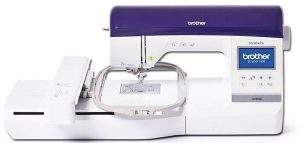
The Brother Innov-Is 800E sits a step above the F440E in price. Specs are similar, with the main upgrade being embroidery area: 6″ x 10″ (16 cm x 26 cm) versus 5″ x 7″ (13 cm x 18 cm) on the F440E.
If you like the F440E feature set but want fewer rehoops on larger designs, the 800E is the logical alternative. It includes 138 built-in patterns, 11 fonts, and a maximum stitch speed of 850 spm. The LCD is also a bit larger, which helps when you are positioning and editing on-screen.
Tradeoff: you pay more mainly for field size and speed, not for a radically different workflow. Check current pricing against the F440E before you decide whether the larger hoop is worth it for your projects.

Janome Memory Craft 550E
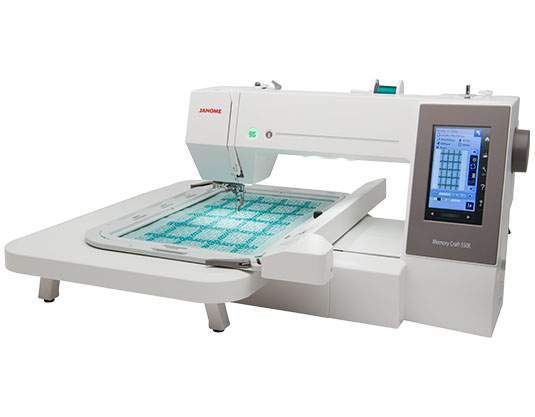
The Janome Memory Craft 550E is a popular mid-range embroidery-only machine from Janome. It has a solid build and a feature set that feels purposeful rather than padded.
It includes 180 built-in designs and 6 monogramming fonts, with a top speed around 860 spm. The standout is the large embroidery area of about 7.9″ x 14.2″ (20 cm x 36 cm). That combination of field size and speed makes bigger projects more practical once you are comfortable with the machine.
The large LCD also helps with design editing and on-screen navigation. Like other single-needle embroidery machines, you still change thread by color. The 550E is a strong pick if hoop size is your priority and you do not need a sewing machine in the same unit.

Brother Innov-Is V3
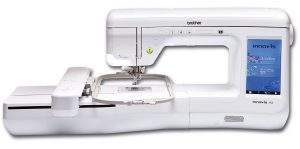
The Brother Innov-is V3 steps up in price and capability: more designs, higher speed, and a larger embroidery area. It is aimed at sewists who embroider often enough to feel the limits of smaller entry machines.
The embroidery area is about 11.8″ x 7.1″ (300 mm x 180 mm), with a stitch speed up to 1050 spm. It includes a large hoop (30 cm x 18 cm) and a smaller 10 cm x 10 cm hoop for compact motifs. Built-in content includes 224 designs and 17 fonts. USB supports design transfer.
The large color LCD (about 9 cm x 15 cm) makes editing less awkward than on budget screens. The tradeoff is cost: this is a serious spend for home embroidery. If your budget can stretch and you want speed plus a large field from Brother, the V3 is worth a close look. Availability and naming can vary by region, so confirm the exact current model listing before you buy.

Janome Atelier 9
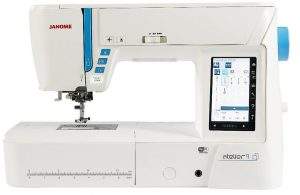
The Janome Atelier 9 is the only combined sewing and embroidery machine in this top five. That makes it different in purpose: one machine for garment construction and embroidery, rather than an embroidery-only unit.
The embroidery area is about 6.7″ x 7.9″ (17 cm x 20 cm). That is workable for many home projects, but smaller than you might expect at this price compared with dedicated embroidery machines like the Memory Craft 550E.
Key features include 250 embroidery designs, 300 sewing stitches, 10 monogramming fonts, and an automatic one-step buttonhole with 11 styles. Maximum speed reaches 1000 spm. Practical extras include start/stop control (or a foot pedal), multiple LED light zones, and an electronic knee lift for hands-free presser foot control.
The Atelier 9 from Janome is a premium combo machine. Choose it if you want sewing and embroidery in one footprint and accept a mid-size embroidery field. If maximum hoop size is your top priority, a dedicated embroidery machine may serve you better. Note that Atelier lineup availability can change by market; check current listings and local support before purchasing.

Final Words
The best embroidery machine for you depends on hoop size, how often you sew, and whether you need sewing stitches in the same unit. Start with the projects you care about most, then match hoop size and connectivity to that work. If none of the picks above fit your budget or project mix, leave a comment with what you want to embroider and we can help narrow it down.